
Remote work is no longer confined to home offices. As of 2025, more than 35 million Americans work remotely at least part of the time, and a growing number are doing it from locations that traditional ISPs have never been able to serve. Starlink has made that possible. With download speeds averaging 100 to 200 Mbps and coverage now spanning over 100 countries, it has become the backbone of connectivity for digital nomads, rural freelancers, traveling professionals, and off-grid workers worldwide.
But the dish alone is only half the setup. The accessories you pair it with determine whether your remote work experience is genuinely productive or constantly interrupted. This guide covers the accessories that actually make a difference, starting with the one most people overlook.
The Problem Most Remote Workers Do Not Think About
You have invested in Starlink. The dish is up, the connection is live, and speeds are solid. Then you sit down to work and realize your phone is on the desk next to you, locked, face down, or buried under a notebook. The Starlink app is not visible. An outage alert fires and you miss it for twenty minutes. You spend ten minutes repositioning the dish at a new location while holding your phone in one hand and adjusting hardware with the other.
A phone mount solves more problems than most remote workers expect. It is the lowest-cost, highest-impact accessory in a Starlink setup, and it is almost always the last thing people buy.
Mighty Mount: The Phone Mount Built for Every Starlink Environment
Mighty Mount's Starlink mount lineup is purpose-built for the range of environments where remote workers actually use Starlink. Here is how each option fits into a real work setup.
Triple Suction Mount: For Mobile and Vehicle-Based Workers

If you work from a van, RV, or truck, the Triple Suction Mount is the foundation of a hands-free mobile office. The three-point suction system holds your phone firmly on the windshield or window through vibration, rough roads, and highway driving. Your Starlink app stays visible while you drive between locations, monitor signal at new campsites, or troubleshoot on the move without pulling over.
Dual Suction Mount: For Workers Who Move Between Locations

Compact and quick to set up, the Dual Suction Mount is built for flexibility. If you work from multiple sites, short-term rentals, or co-working spaces and want a reliable mount that installs and removes in seconds, this is the practical choice for a work bag or travel kit.
Magnetic Mount: For Truck and Equipment-Based Workers
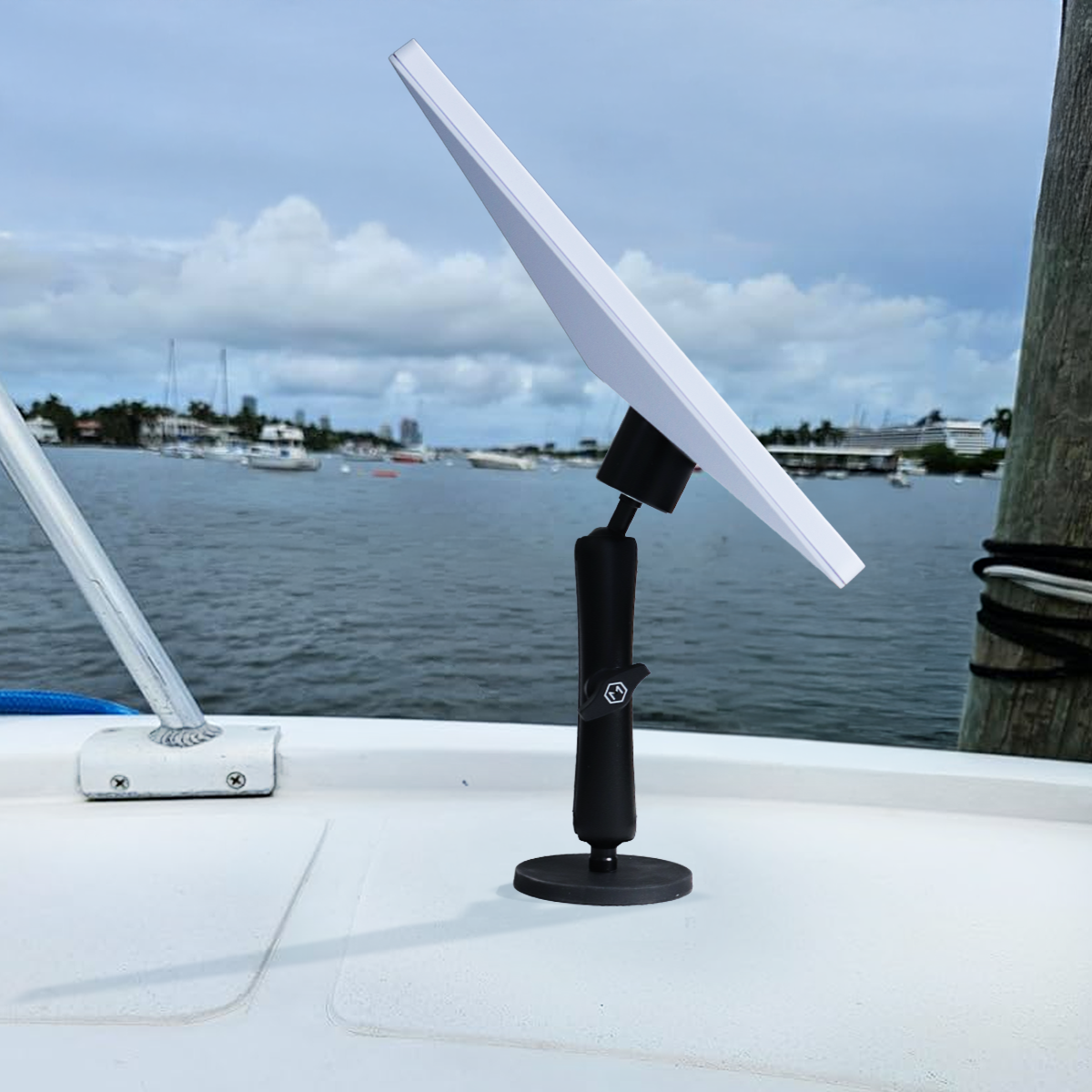
Construction managers, site supervisors, and outdoor professionals who work around vehicles and metal equipment get the fastest possible setup with the Magnetic Mount. It snaps onto any steel surface instantly, no tools or adhesives required, and holds your phone securely through a full workday.
Heavy Desk Mount Base: For Home Office and Indoor Remote Workers

The weighted desk base is the cleanest solution for a stationary home or office setup. It sits stable on any flat surface, requires no installation, and keeps your phone at eye level alongside your monitor so the Starlink app is always in your peripheral view. For remote workers who want a tidy, professional-looking desk setup without drilling or sticking anything to a surface, this is the right call.
Handlebar Mount: For Outdoor and Agricultural Workers

If your remote work setup involves a rural property, farm, or outdoor worksite, the Handlebar Mount clamps firmly to ATVs, bikes, poles, and equipment rails. It stays secure across rough terrain and gives you full access to your phone and Starlink app wherever the work takes you on the property.
Quick Handlebar Mount: For Frequently Relocating Workers

The tool-free quick-attach system makes this mount ideal for workers who change locations regularly and cannot afford to spend time on setup. Attach it, work, remove it, move on.
A Reliable Router and Network Switch
Starlink's built-in router is functional, but remote workers who need wired connections, better range, or more device control will benefit from a third-party router. Options like the TP-Link Deco or Eero Pro integrate cleanly with Starlink and give you mesh coverage across larger spaces, wired ethernet ports for a more stable desktop connection, and better traffic management for video calls and large file transfers.
A small network switch is also worth having if you run multiple wired devices. It costs under $30 and eliminates the need to constantly swap a single ethernet cable between your laptop, monitor, and any other wired hardware.
A Quality Ethernet Adapter for Your Laptop
Starlink's roam and mobile plans are wireless by default, but a wired ethernet connection to your laptop is meaningfully more stable for video calls, large uploads, and latency-sensitive tasks. If your laptop does not have a native ethernet port, a USB-C to ethernet adapter is a simple and inexpensive fix. Look for one with a gigabit rating to avoid bottlenecking the speeds Starlink is capable of delivering.
A UPS or Battery Backup
Power interruptions are a reality for remote workers in rural and off-grid locations. A UPS, or uninterruptible power supply, keeps your Starlink dish and router running through brief outages and gives you time to save work and shut down cleanly during longer ones. Even a basic unit rated for 600 to 900 VA provides enough runtime for the dish and a laptop for 15 to 30 minutes, which covers most short-term power disruptions without losing connectivity.
For van life and RV workers, a portable power station with solar input serves the same function while also charging your devices off-grid.
A Weatherproof Cable Management Solution
Starlink cable runs are a common afterthought that create real problems. Cables left exposed to weather, foot traffic, or vehicle doors wear out faster and create hazards. A basic weatherproof cable conduit or cable clips rated for outdoor use protects your run from the dish to the router, keeps the setup looking clean, and prevents the most common source of signal disruption in a Starlink installation: a damaged cable.
A Laptop Stand and External Monitor
This is less Starlink-specific and more about building a workspace that matches the quality of your connection. Starlink gives you the bandwidth for video calls, cloud collaboration, and large file work from anywhere. A portable laptop stand and a compact external monitor let you take full advantage of that bandwidth with a proper dual-screen setup, even from a vehicle, cabin, or temporary worksite.
Portable monitors have dropped significantly in price and weight over the past few years. A 15-inch USB-C powered display adds a second screen to any laptop setup and packs flat into a bag.
Noise-Canceling Headphones
Remote work over Starlink often happens in environments that are not designed for professional calls. Construction sites, rural properties, vehicles, and outdoor locations all introduce background noise that makes video calls difficult. A good pair of noise-canceling headphones with a quality microphone solves this entirely, and they are one of the most universally useful accessories for any remote worker regardless of their internet setup.
A Starlink-Compatible Mounting System for the Dish Itself
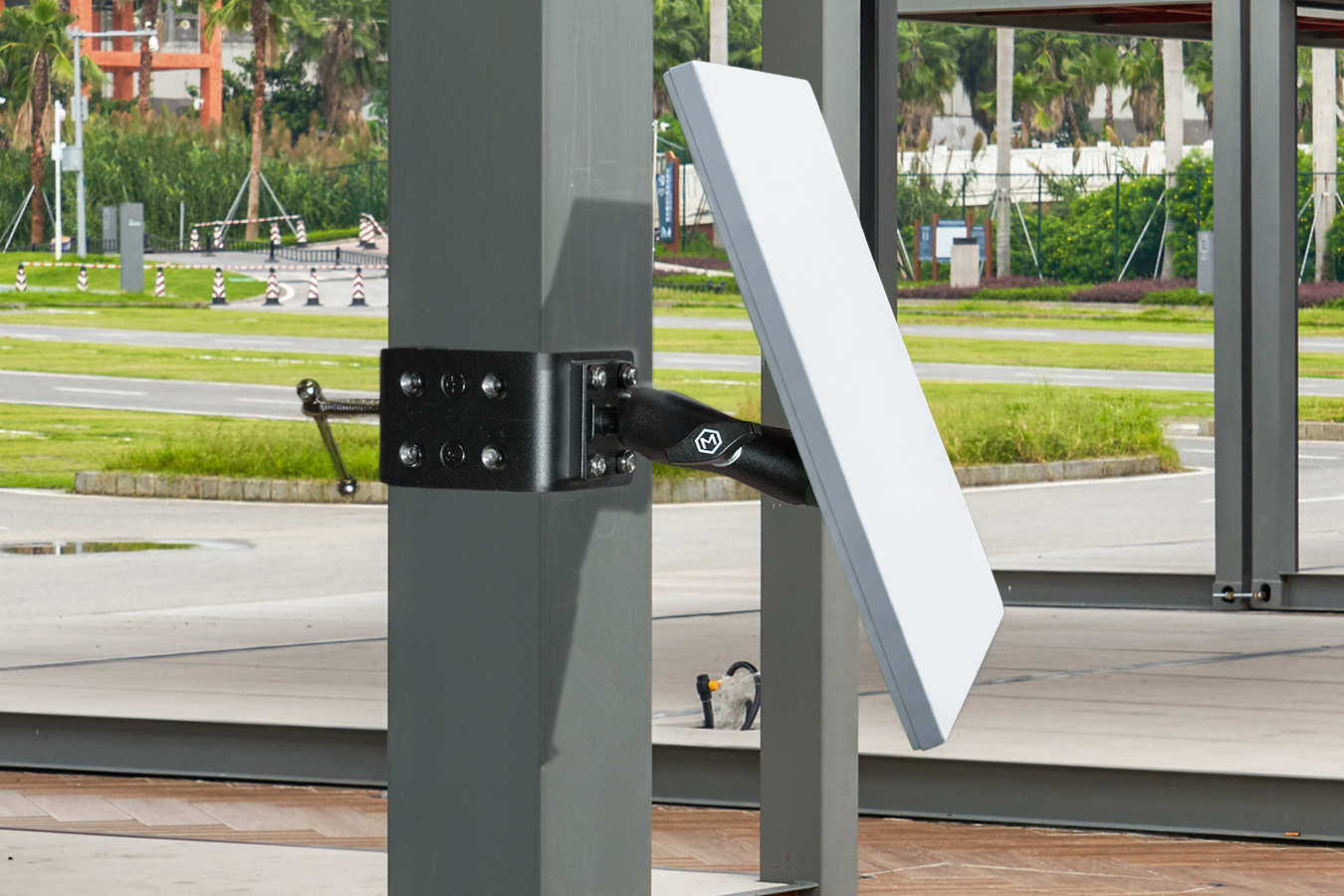
Worth mentioning separately from phone mounts: the way you mount the Starlink dish itself matters significantly for signal stability and long-term reliability. Starlink offers its own pole and wall mount hardware, and a range of third-party options exist for vehicles, rooftops, and non-standard surfaces. For mobile workers especially, a dish mount that travels securely and sets up quickly at each new location is as important as the dish itself.
Building Your Setup by Work Style
Not every remote worker needs every accessory on this list. Here is how to prioritize based on how you actually work.
Home-based rural worker: Heavy Desk Mount Base, third-party router, UPS, ethernet adapter, external monitor.
Van life or RV worker: Triple Suction Mount, portable power station, ethernet adapter, noise-canceling headphones, weatherproof cable management.
Outdoor or agricultural worker: Handlebar Mount or Magnetic Mount, UPS or generator backup, weatherproof cable conduit.
Frequent traveler or nomad: Quick Handlebar Mount or Dual Suction Mount, portable monitor, noise-canceling headphones, compact network switch.
Final Thoughts
Starlink has removed the biggest barrier to remote work in rural and mobile environments: reliable internet. The accessories around it determine whether that connection translates into a genuinely productive workday or a frustrating one.
Start with the fundamentals. A phone mount keeps your Starlink app visible and your hands free. A stable network setup protects your connection quality. A UPS keeps you online through interruptions. Everything else builds from there.
Browse the full Mighty Mount Starlink mount lineup and find the right mount for your remote work environment.